AI chatbots by ElevenAgents
Chat agents that resolve, not deflect
Chat agents that feel human, resolve from your knowledge, and take action. Deploy on web, WhatsApp, email, and your helpdesk, in 70+ languages.
Chat with an agent
Seamless conversations across a wide range of chat channels.

Support Agent

Outreach Agent

Training Agent

FAQ Agent
Trusted by teams resolving millions of conversations a month.

Enhance support, sales, and operations with AI Chat Agents

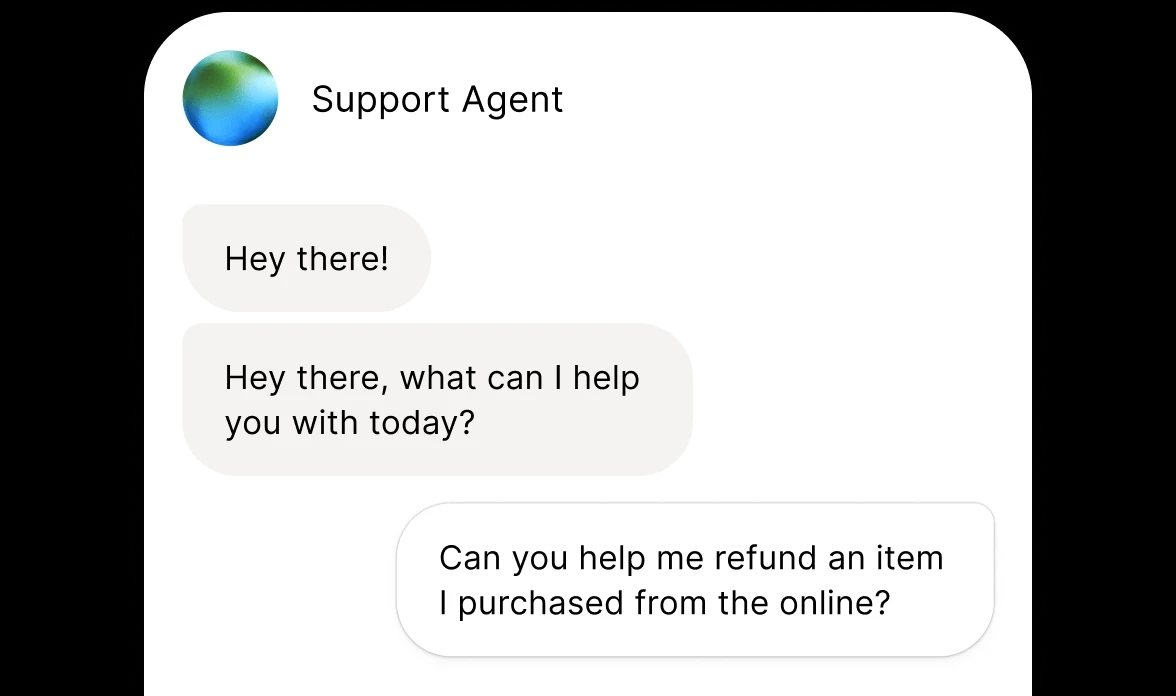
Resolve on first contact
Customers get answers, not links and queues. Lower cost per resolution, higher CSAT.

Always on, instantly
24/7 coverage across every text channel, with no wait and no drop-off.

Turn support into growth
Surface the right product, recover carts, and qualify intent inside the same conversation.
Natural chat agents that read like your brand
Configure tone, personality, and style to match your brand across every message. Grounded in your own knowledge, on-brand in 70+ languages.
Reads like your brand
On-brand tone in every message, configurable by persona and use case. One tone across support, sales, and ops.
Me
to First National Support
Hi, I've spotted a $240 charge to Meridian Services on March 22nd that I don't recognize and didn't authorize. Could you please look into this and advise on next steps? Thanks, Sarah

Maya from First National Support
to me
Hi Sarah, I've located the transaction - a $240 payment to Meridian Services on March 22nd. I've raised a dispute and your case reference is #FR-2291. Your card has been temporarily frozen while the review is open. Our team will be in touch within 3-5 business days. Let me know if there’s anything else I can help you with. Maya, First National Support
Answers from your knowledge
Connect your help docs, SOPs, and product guides. Agents retrieve the right answer in under 200ms - nearly 5x faster than standard RAG.

Shared context with voice
One agent, shared across chat and voice. Customers can start on chat and move to a call without losing context.
Takes real action
Function calling into your systems. It updates the CRM, files the ticket, and completes the task.
Multi-modal understanding
Agents read more than text. Share a screenshot, PDF, or voice memo, and the agent resolves it in the same chat.

Operating across nearly 40 markets, we needed a provider that could match the complexity, speed and language support required without making sacrifices on quality. We’re very proud of the solution we have built together and are confident that it will continue to scale as we do.
Our focus was on removing unnecessary waiting for customers, while ensuring that when customers want to speak to a human they are connected without friction. Our partnership with ElevenLabs has evolved over time, and bringing voice AI to our US customers is the latest milestone. We're excited about the journey ahead.
Empathetic tone and a human-like feel are super important in support. We want to ensure that our customers feel understood and not processed.
Julia Ponomareva
Director of CX and AI Products, Revolut
Camilla Giesecke
COO, Klarna
Jannes Koopmann
Sr. AI Business Owner, 3Shape
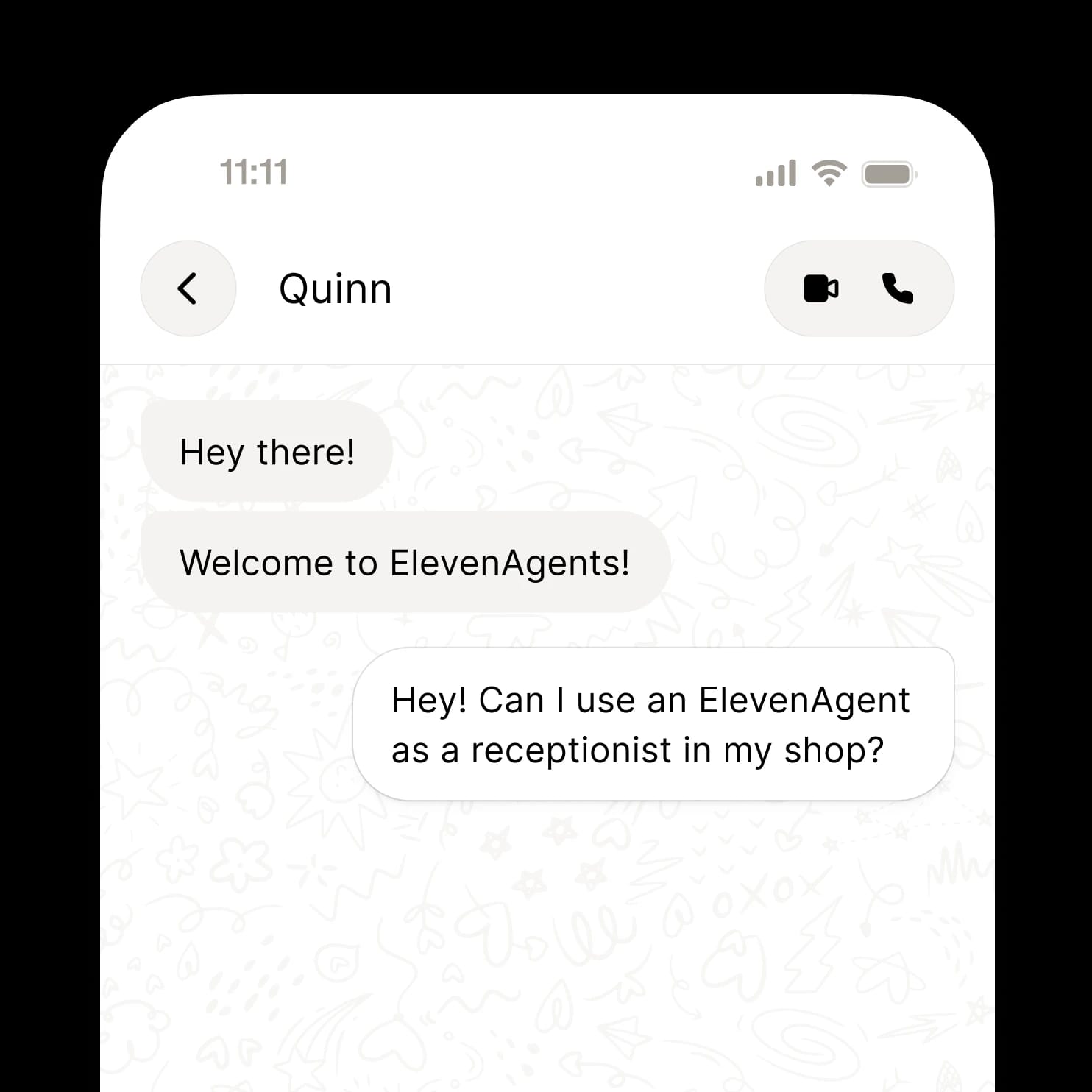
Deploy your chat agents across every channel
Ship one chat agent across every text channel - web, mobile, WhatsApp, email, and your helpdesk. Set it up once, update once, and improve everywhere.

WhatsApp
Meet customers in the app they already use. Resolve questions, take action, and send updates on WhatsApp, out of the box.
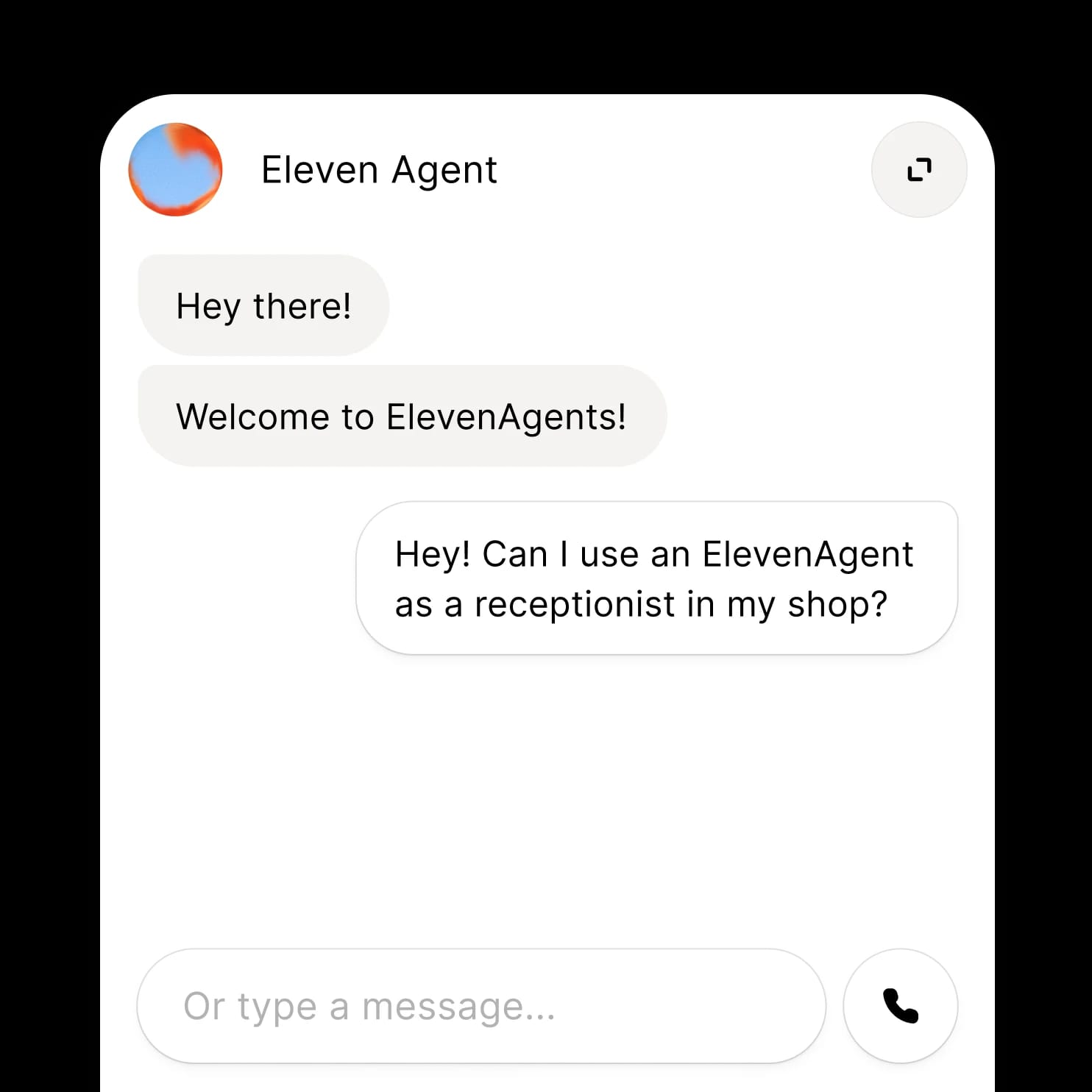
Widget
Embed a chat agent on your website or app with one line of HTML. No phone number, no extra setup.
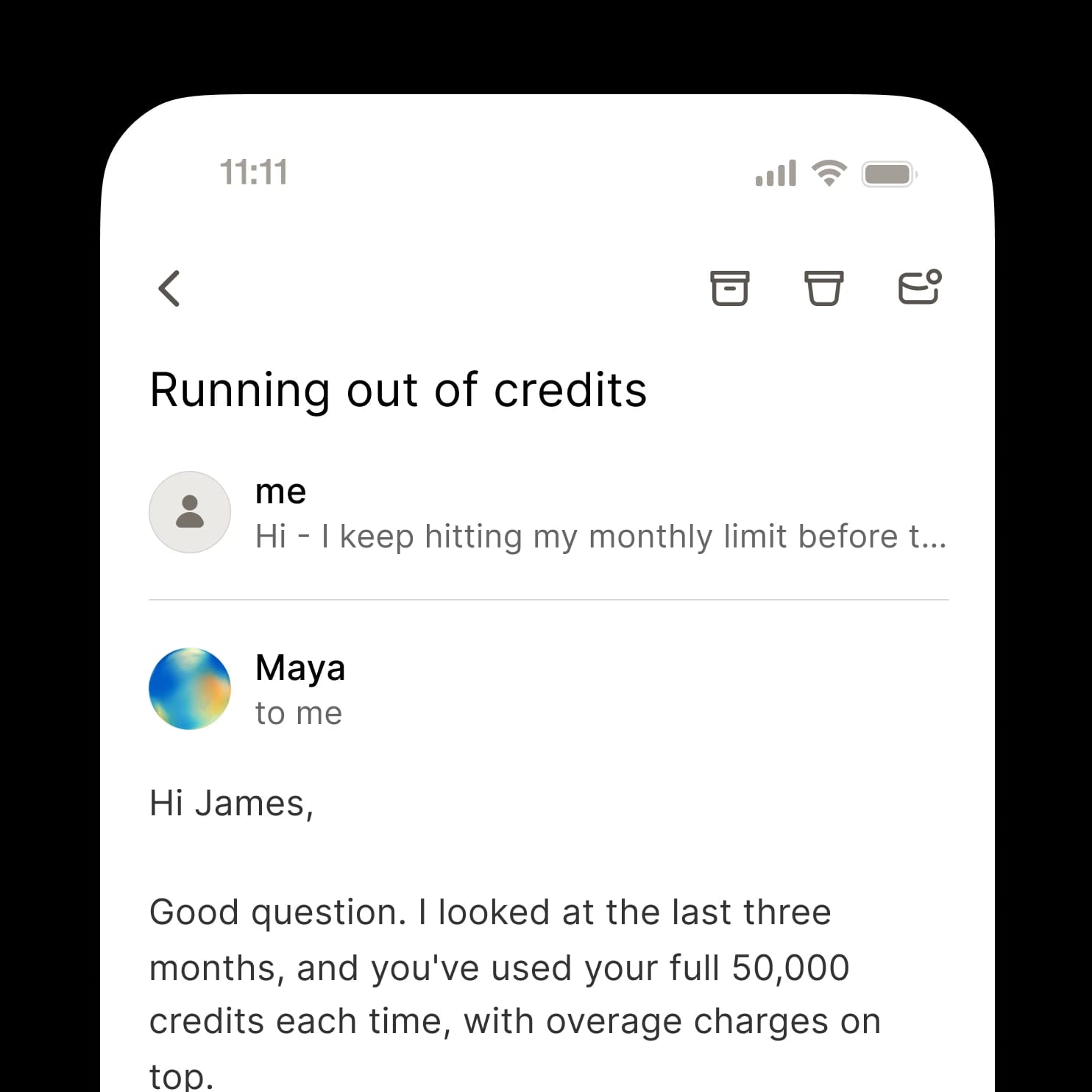
Email and async
Resolve longer-form requests over email. The agent reads the thread, takes action, and replies on-brand.
API
Build chat into your own product with a few lines of code. Full control over the agent, the conversation, and the experience.
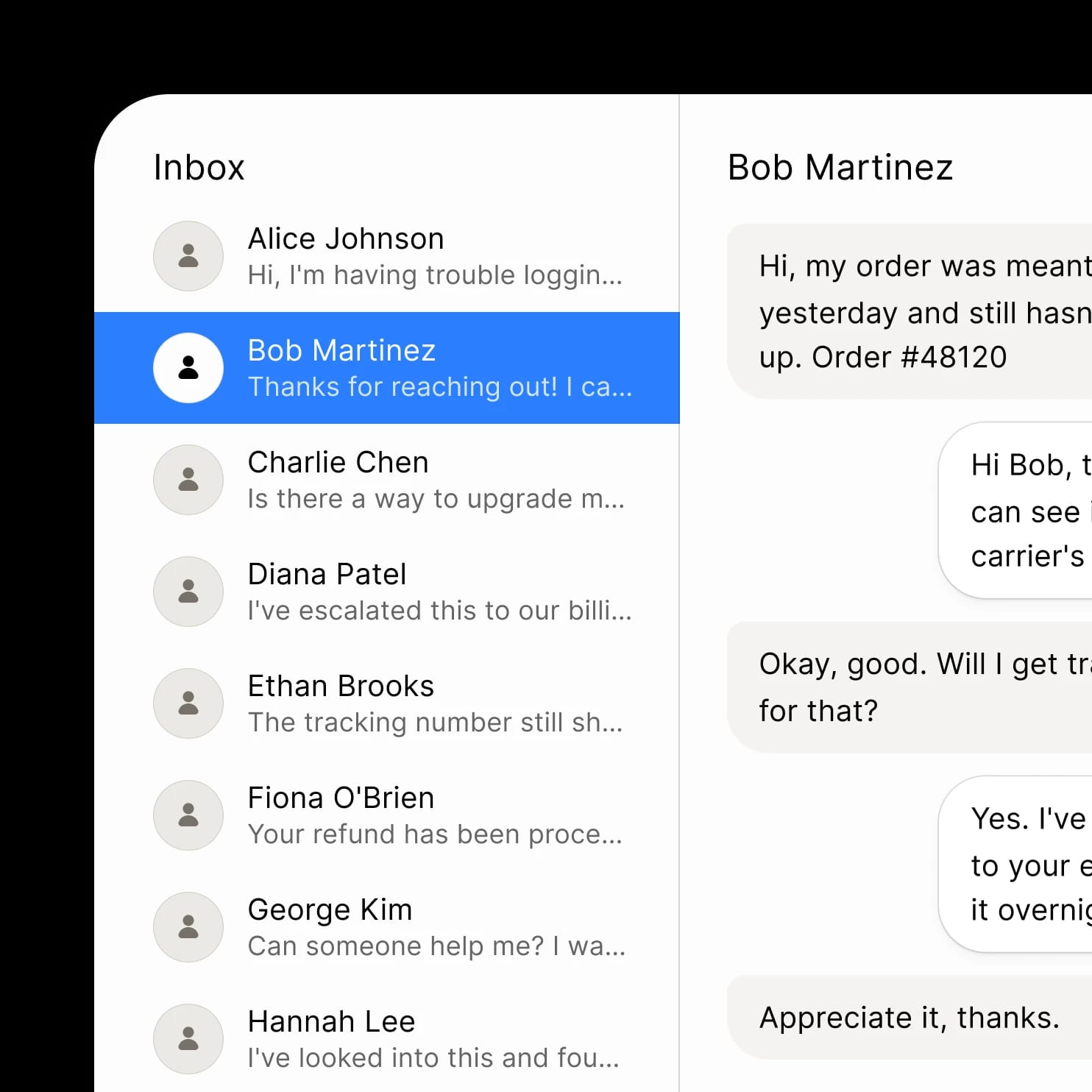
Helpdesk
Run chat on the helpdesk you already have - Zendesk, Salesforce, ServiceNow, and more. We work with your stack, not just ours.
Integrate seamlessly with your telephony stack and the tools you already use
The full platform behind your voice and chat agents
Most platforms stitch together vendors for transcription, turn-taking, and voice synthesis. We build every component and run them in one co-located pipeline - optimized end-to-end.
Voice, chat, email, and more
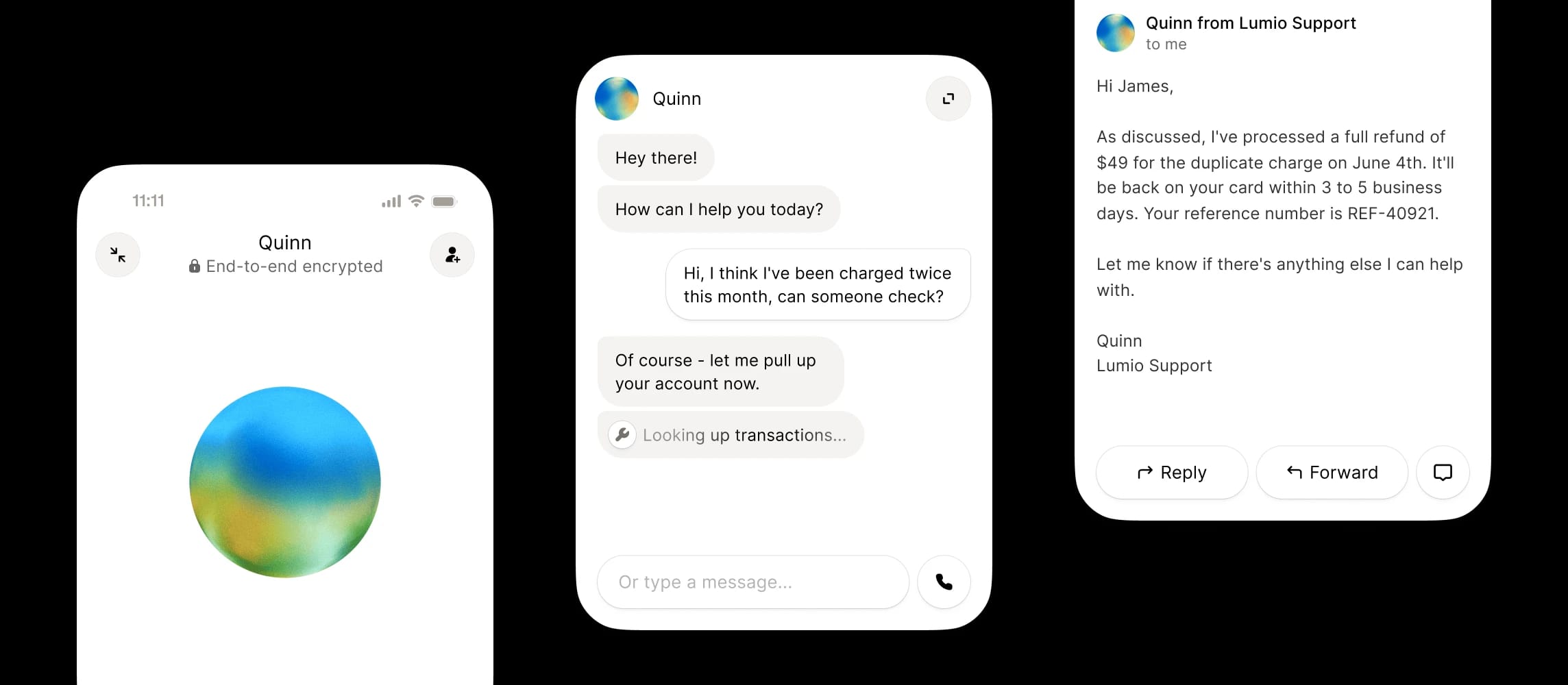
The same agent can work across channels, so a customer can start on the phone and finish by chat without losing context.
Voice, chat, email, and more
The same agent can work across channels, so a customer can start on the phone and finish by chat without losing context.
Testing and analytics
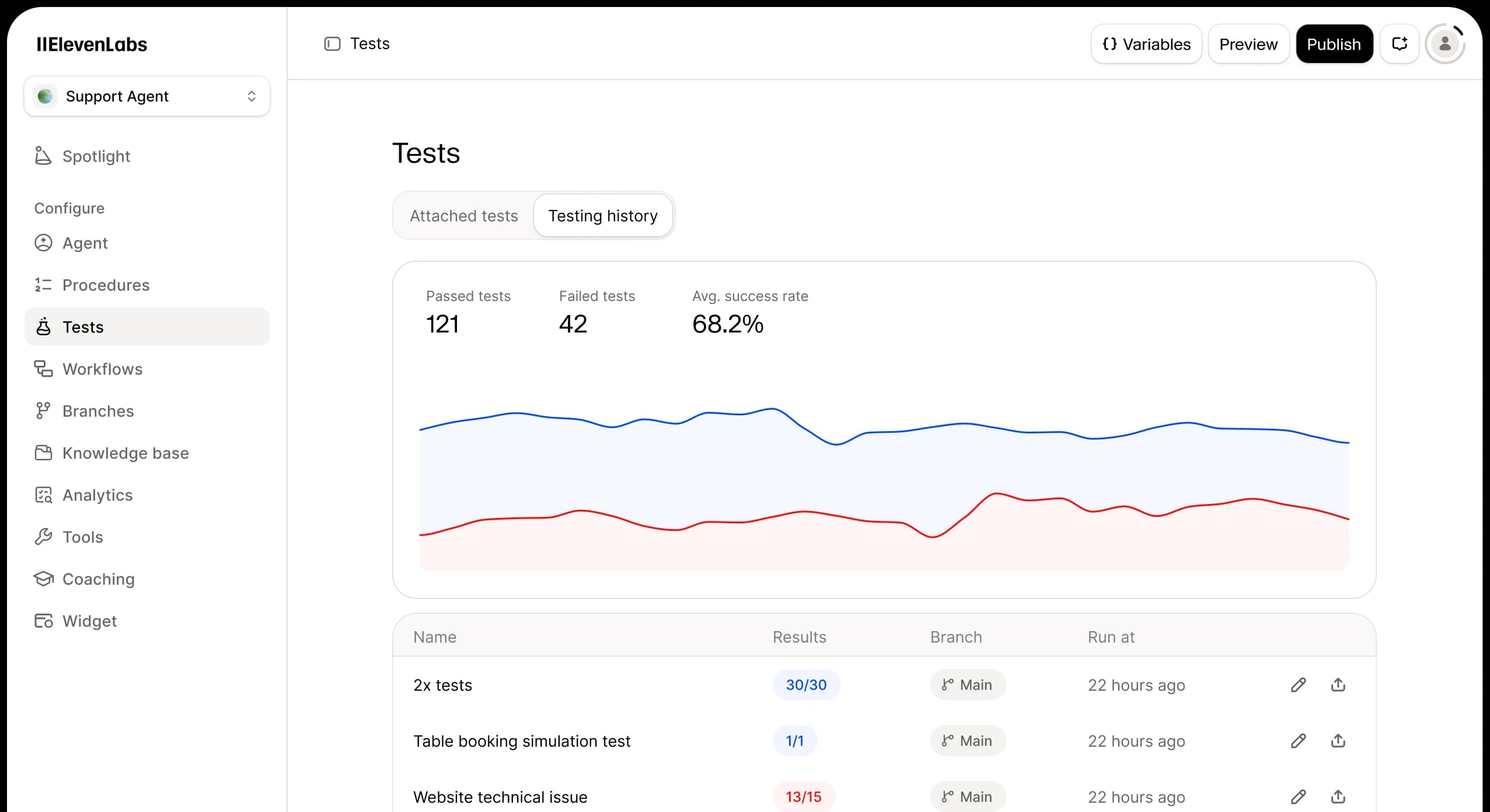
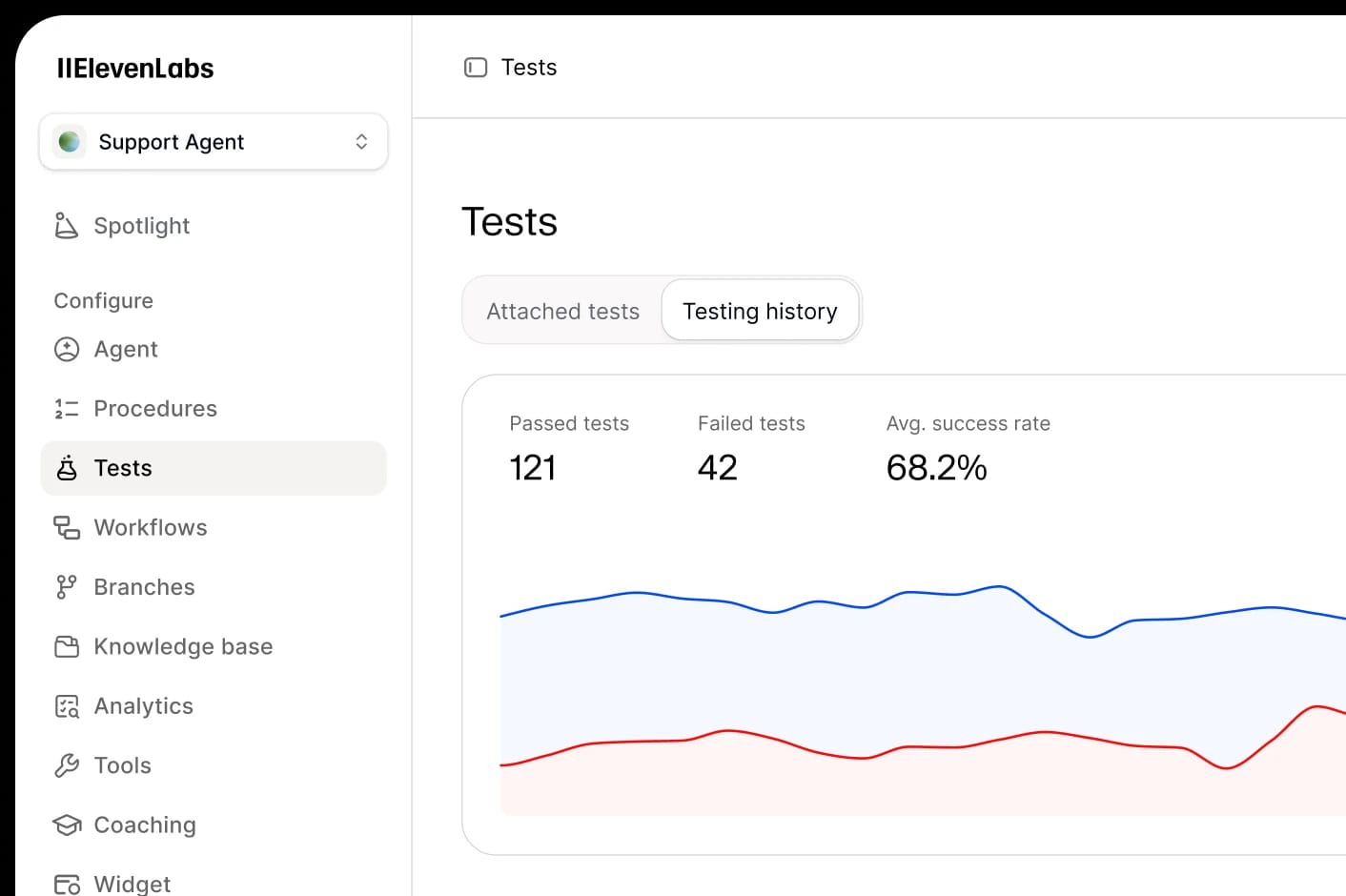
Run full simulations before you launch. Then review conversations, track KPIs, and improve your agents - all in one place.
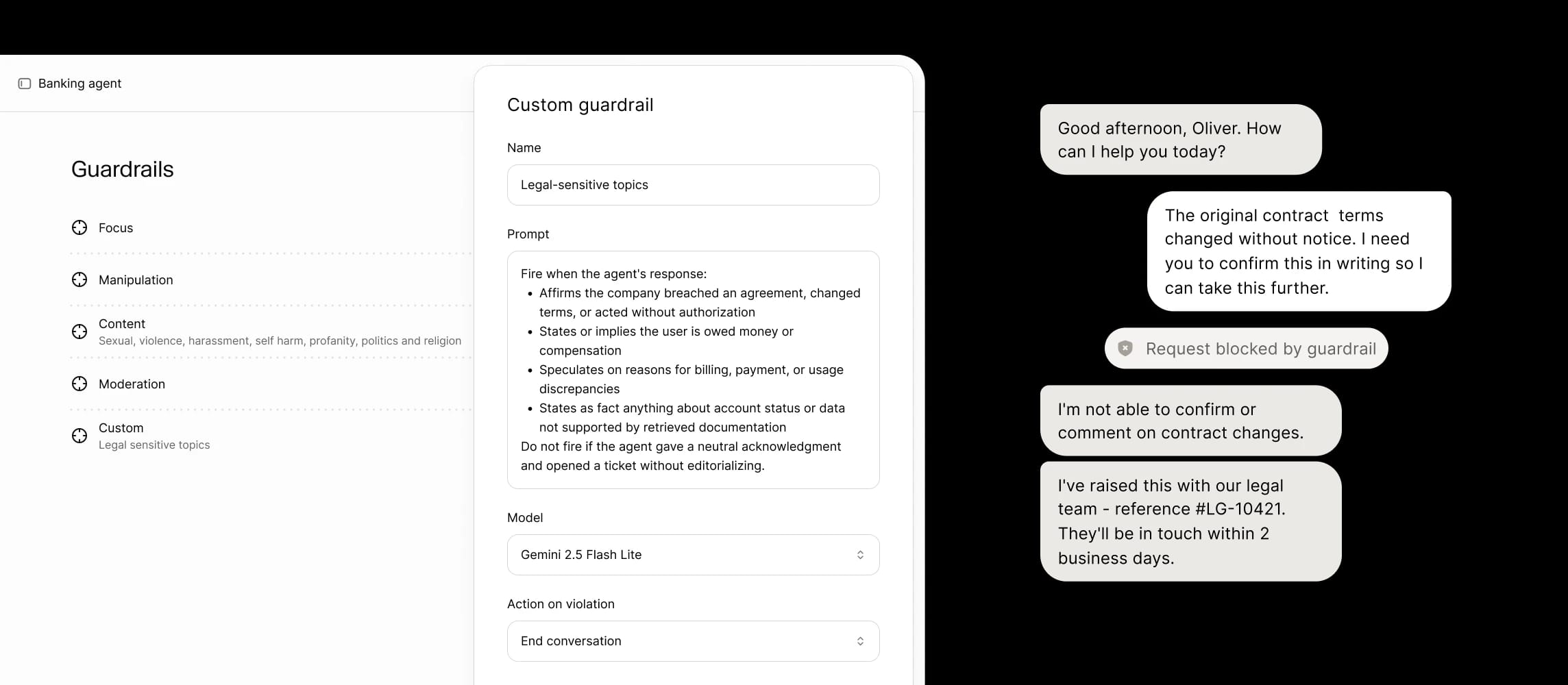
Configurable guardrails
Set what your voice agents can and can't say, enforced in real time so agents stay on-brand and compliant.
Voice, chat, email, and more
The same agent can work across channels, so a customer can start on the phone and finish by chat without losing context.
Scale ElevenAgents across every function
Support
Sales
Operations
Marketing
Talent
Support Agents
Resolve & triage issues
Voice
Chat
The caller has a technical issue, API error, integration problem, or performance concern
The caller has an account access issue, billing question, plan inquiry, or payment problem
Start
Conversation started
Identify Issue
Open warmly: 'Hey, this is Jamie from support — what can I help with today?' Listen to the issue. Acknowledge any frustration ('that's really frustrating, let's figure it out'). Capture caller name early. Categorize: technical/integration/product (route to troubleshoot) vs account/billing (route to account_billing). Ask one or two clarifying questions if intent is unclear.
IMPORTANT: If the caller asks to be removed, says they have the wrong number, says goodbye, or wants to end the call, briefly acknowledge AND call end_call to actually hang up.
Troubleshoot
Methodical troubleshooting. Propose ONE concrete first step (not a list, not a pile of questions). Wait for the caller to confirm what they see before moving on. Explain why each step matters in plain language. If 3-4 steps don't help, route to resolve_or_escalate. Capture what was tried for the ticket.
IMPORTANT: If the caller signals they want to end the call, briefly acknowledge AND call end_call.
Account & Billing
Account or billing question. Verify identity BEFORE sharing any account info: ask for account email plus a secondary signal (last 4 of payment, recent invoice number, or account ID). Once verified, answer accurately. For backend changes (refunds, plan changes), route to resolve_or_escalate. Never share other accounts' info.
IMPORTANT: If the caller signals they want to end the call, briefly acknowledge AND call end_call.
Resolve or Escalate
If the issue is resolved on the call: confirm the fix worked, tell them to reach out if it returns, then route to wrap up. If escalating: capture caller name + best contact + one-sentence summary of issue and what was tried + urgency. Set realistic expectation for response time (24h business hours unless documented). Read back the next-step plan.
IMPORTANT: If the caller signals they want to end the call, briefly acknowledge AND call end_call to hang up.
End
Conversation ended
Outbound Agents
Qualify, book & convert
Voice
Chat
The lead agreed to listen or showed curiosity about why Alex is calling
The lead immediately declined, said not interested, or asked to be removed
The lead expressed interest in seeing a demo or learning more
The lead raised an objection, hesitation, or said they already have a solution
The lead came around after the objection was handled and is open to a demo
The lead is still not interested after the objection was addressed
The demo has been scheduled and confirmed
Start
Conversation started
Opener
Permission-based open ('got 30 seconds?'). If they say yes or sound curious, go to pitch. If they decline immediately or ask to be removed, jump straight to close. Never push past a no.
IMPORTANT: If at any point the user asks to be removed, says 'don't call again', 'take me off your list', or signals they want to end the conversation (e.g. 'OK thanks bye'), briefly acknowledge their request in one short sentence and then call the end_call tool to actually hang up the call.
Value Prop & Qualify
One-line value prop, one qualifying question, then listen. Keep it under 15 seconds. If they show interest, route to book. If they push back or have an objection, route to handle_objection.
IMPORTANT: If at any point the user asks to be removed, says 'don't call again', 'take me off your list', or signals they want to end the conversation (e.g. 'OK thanks bye'), briefly acknowledge their request in one short sentence and then call the end_call tool to actually hang up the call.
Book Demo
Lock in a calendar slot. Confirm date, time, timezone, and the email to send the invite to. Read it back. Mention a confirmation will follow.
IMPORTANT: If at any point the user asks to be removed, says 'don't call again', 'take me off your list', or signals they want to end the conversation (e.g. 'OK thanks bye'), briefly acknowledge their request in one short sentence and then call the end_call tool to actually hang up the call.
Handle Objection
Acknowledge the objection in one sentence, address with one concrete point, then ask if that resolves the concern. Don't argue. If they're now open, route to book; if still no, route to close.
IMPORTANT: If at any point the user asks to be removed, says 'don't call again', 'take me off your list', or signals they want to end the conversation (e.g. 'OK thanks bye'), briefly acknowledge their request in one short sentence and then call the end_call tool to actually hang up the call.
Close
Wrap warmly regardless of outcome. If they asked to be removed, confirm DNC and call end_call. If they booked, thank them and call end_call. If they declined, thank them and call end_call.
IMPORTANT: If at any point the user asks to be removed, says 'don't call again', 'take me off your list', or signals they want to end the conversation (e.g. 'OK thanks bye'), briefly acknowledge their request in one short sentence and then call the end_call tool to actually hang up the call.
End
Conversation ended
Operations
Schedule, verify & collect
Voice
Chat
The prospect has shared a bit about their use case or problem
The prospect is qualified and interested in booking a demo now
The prospect is interested but not ready to commit to a meeting right now, or wants more info first
The prospect has selected a time slot
The meeting details have been confirmed
Follow-up preference and email have been captured
The prospect has no more questions
The caller has clearly signaled they want to end the call (e.g. 'thanks bye', 'no that's it', 'I'm good', 'don't call again')
Start
Conversation started
Greeting
Greet the prospect warmly. Reference that they expressed interest (form fill, ad click, etc.) and thank them for their time. Ask them to share a bit about what they're hoping to solve.
Qualify Interest
Briefly understand their use case, role, and timeline. Listen for whether they're ready to book a demo now or still exploring. Don't pressure — gauge genuine interest.
Check Availability
Prospect is ready to book. Offer 2-3 time slots over the next few days. Be flexible and accommodating.
Book Meeting
Confirm the selected time, meeting format (video call), and attendees. Collect or verify the prospect's email and any prep materials they'd like in advance.
Nurture (Not Ready)
Prospect is interested but not ready to commit. Offer to send relevant case studies or a product brief. Collect email, ask when a better time to follow up would be, and express genuine interest in helping them when they're ready.
Wrap Up
Confirm the details one more time, thank them, and mention that a calendar invite and confirmation email are coming. Wish them well.
End
Conversation ended
Marketing Agents
Engage, retain & learn at scale
Voice
Chat
Interest shared
Budget, timeline, authority
Not ready
Scheduled
Resources sent
Start
Conversation started
Greeting
Welcome them warmly. Ask what brought them in today. Make it feel like a conversation, not a form. Once they share interest, route to collect.
IMPORTANT: If at any point the user asks to be removed, says 'don't call again', 'take me off your list', or signals they want to end the conversation (e.g. 'OK thanks bye'), briefly acknowledge their request in one short sentence and then call the end_call tool to actually hang up the call.
Collect Info
Through natural conversation collect: name, email, company, role, the problem they're trying to solve, decision timeline, and any budget signal. Don't fire questions in sequence — weave them in. If they have budget + authority + near-term timeline, route to hot. Otherwise route to nurture.
IMPORTANT: If at any point the user asks to be removed, says 'don't call again', 'take me off your list', or signals they want to end the conversation (e.g. 'OK thanks bye'), briefly acknowledge their request in one short sentence and then call the end_call tool to actually hang up the call.
Hot Lead
Strong fit. Offer to schedule a call with sales now. Confirm the email and best time. Mention they'll get a calendar invite shortly. Call end_call when wrapping.
IMPORTANT: If at any point the user asks to be removed, says 'don't call again', 'take me off your list', or signals they want to end the conversation (e.g. 'OK thanks bye'), briefly acknowledge their request in one short sentence and then call the end_call tool to actually hang up the call.
Nurture
Not yet ready. Offer to send relevant resources (case study, pricing, demo video). Capture email and follow-up preference. Thank them and call end_call.
IMPORTANT: If at any point the user asks to be removed, says 'don't call again', 'take me off your list', or signals they want to end the conversation (e.g. 'OK thanks bye'), briefly acknowledge their request in one short sentence and then call the end_call tool to actually hang up the call.
End
Conversation ended
Talent
Screen, hire & develop at scale
Voice
Chat
Topic identified
Answerable from KB
Needs HR action
Done
Escalated
Start
Conversation started
Topic
Open warmly and reassuringly: 'Hi, HR benefits line — what can I help with?' Identify category: health/dental/vision, PTO/leave, 401k/retirement, payroll, or other. Capture employee name + department. Reassure about confidentiality early — employees are often nervous asking about benefits.
IMPORTANT: If the employee signals they want to end the call, briefly acknowledge AND call end_call to actually hang up.
Answer
Answer the question accurately from documentation/the benefits guide. Use plain language — avoid HR jargon. Be specific with dates and numbers ('Open enrollment is November 1-15'). If the question is outside what you can answer or requires HR action (changes to benefits elections, leave requests, disputes), route to escalate.
IMPORTANT: For medical or legal-adjacent topics (FMLA, disability, harassment), do NOT advise — route to HR immediately. If the employee signals they want to end the call, briefly acknowledge AND call end_call.
Resolved
Confirm the answer landed and offer to send the relevant doc/section by email if you can. Ask if there's anything else. If they're done, briefly say goodbye and IMMEDIATELY call end_call to hang up.
Escalate
Capture for HR follow-up: employee name + department, question/request summary, any context that helps HR. Set expectation for HR callback timing (typically within 1 business day). Reassure about confidentiality. After confirming the handoff plan, briefly say goodbye and IMMEDIATELY call end_call.
End
Conversation ended
Host and store data on your terms, anywhere
SOC 2 Type II
ISO 27001
Regional Data Residency
Zero Retention Mode
On-prem options
ISO 42001
AIUC-1
HIPAA compliant
PCI DSS Level 1
- See all certifications
Get started with ElevenAgents today
Create your Agent
Build your first agent in minutes - no engineering required.
- 15 minutes included for free
- Calls and text messages
- Commercial License included
- 11k+ voices across 70+ languages
ElevenAgents for Enterprise
Deploy at scale with the compliance, support, and security you need.
- Forward Deployed Engineers
- Enterprise data protection
- Data residency in US, EU, and India
- SLA, SSO, and enterprise access controls
ElevenAgent APIs and SDKs
Add voice and chat agents to your product with a few lines of code.
- Native SDKs for web and mobile
- WebSocket and REST APIs
- LLM-agnostic - bring your own model
- Community of 100k+ developers

import { ElevenLabsClient } from "@elevenlabs/elevenlabs-js";
import "dotenv/config";
const elevenlabs = new ElevenLabsClient();
const agent = await elevenlabs.conversationalAi.agents.create({
name: "My voice agent",
tags: ["support"], // List of tags to help classify and filter the agentExplore everything ElevenAgents have to offer
Latest updates

Fox brings Colin Cowherd AI agent to the FOX Sports app
- Category
- Customer Stories
- Date

Ovianta uses ElevenAgents to help clinics convert more patients with empathetic follow-up
- Category
- Customer Stories
- Date
.png&w=3840&q=80)
Zingage supports 3X more calls for home care agencies using ElevenAgents
- Category
- Customer Stories
- Date

Razorpay scales outbound merchant engagement with ElevenAgents
- Category
- Customer Stories
- Date
.png&w=3840&q=80)
mdhub improves access to behavioral health with ElevenAgents
- Category
- Customer Stories
- Date

Zen Educate extends after-hours support for educators with ElevenAgents
- Category
- Customer Stories
- Date
.jpg&w=3840&q=80)
Webinar Recap: How Nana Uses AI Agents to Transform Customer Experience
- Category
- Customer Stories
- Date
.jpg&w=3840&q=80)
Webinar Recap: How Learna Scales Voice Learning with ElevenLabs
- Category
- Customer Stories
- Date

eDreams ODIGEO scales agentic AI with ElevenLabs to power the future of conversational travel
- Category
- Customer Stories
- Date

Duvo deploys production voice agents in one week with ElevenAgents
- Category
- Customer Stories
- Date

Beam improves access to social services with ElevenAgents
- Category
- Customer Stories
- Date

Tutore deploys conversational agents for corporate language training using ElevenLabs
- Category
- Customer Stories
- Date

ElevenLabs and Deutsche Telekom unveil the world’s first network-integrated AI call assistant
- Category
- Customer Stories
- Date
3Shape expands global dental support with AI voice and chat agents from ElevenLabs
- Category
- Customer Stories
- Date
Ringover powers 24/7 voice agents with ElevenLabs
- Category
- Customer Stories
- Date

Frequently asked questions
We provide deterministic workflows, policy enforcement, simulation tools, and audit logs - so you can validate agent behavior before and after deployment.
Yes - support managers and product owners can make plain-text corrections, update knowledge, and A/B test responses without engineering support.
Agents deploy to voice (SIP or native telephony), web and in-app chat, email, and major messaging platforms - from a single configuration.
We offer secure APIs and pre-built connectors for CRM, ticketing, CCaaS, analytics, and identity providers to enable contextual actions and handoffs.